

New 200-pages Rust guide: Create a real-time voice incident narrator
The new book on how to create an AI assistant in Rust that tracks errors in logs and reports them through voice messages.

Here comes the second book on developing AI agents in Rust, and this time it’s over 200 pages long (150 in the free version)! It’s a detailed guide on how to build a tool that reads logs, summarizes them, and transforms them into a narrative that can be automatically played back on your system.
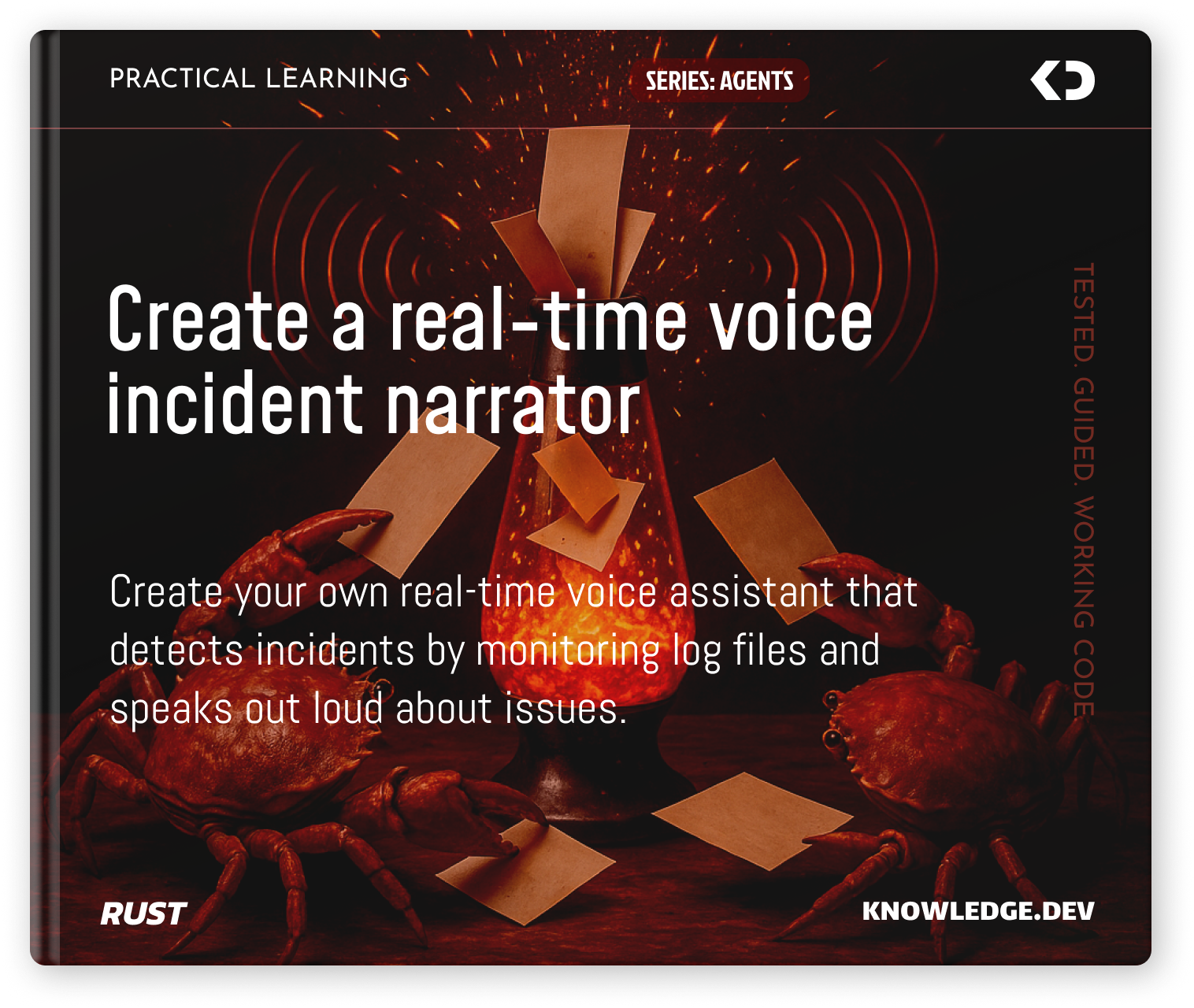
You can download your copy right now from the Knowledge.Dev platform using the following link: Create a real-time voice incident narrator in Rust.
What’s Inside the Book?
The book walks you through building an agent step by step, starting with the development of a task that reads the tail of a file. Next, it introduces a component that interacts with an AI model, sending batches of log entries to generate short summaries. You’ll learn how to construct a context from both new and old entries, and what kind of prompt is needed for this.
Channels are created between tasks to enable information exchange, and once everything is running and you’re getting summaries of errors and warnings from the logs, the book moves on to the next stage (this is part of the extended premium section) — creating an audio player task and a task that converts the summaries into audio files, which are then played back using the player you built.
The updated book format
The book layout system has also been updated:
they are now even more compact
different parts of the files are grouped into a single block
pages with other layouts have been added
an introduction and conclusion have been added
as well as a section about the book itself and reading recommendations
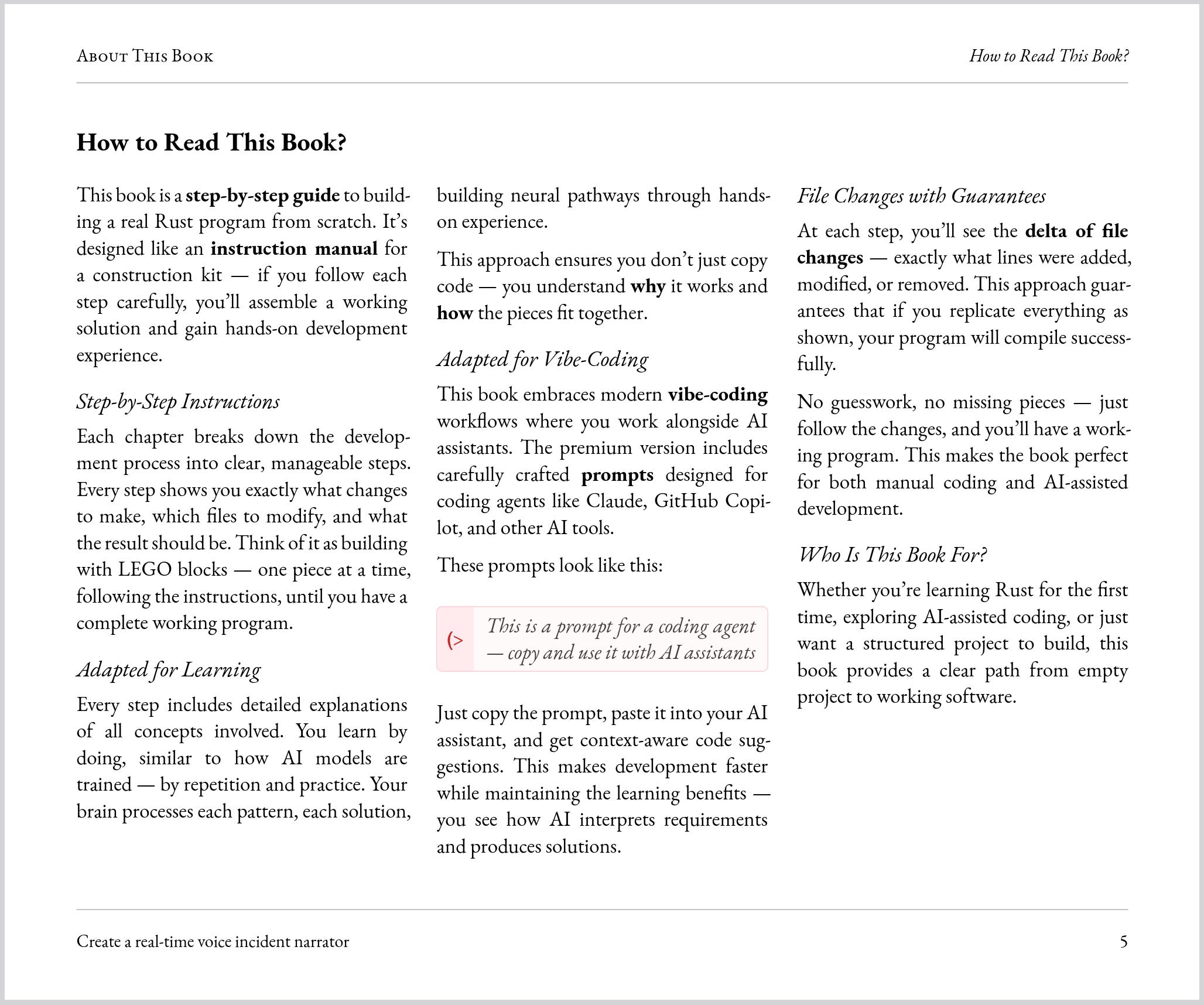
And the first course has also been re-released in the new publishing system.
Okay, What’s Next?
The next course in the new CORE series is currently in development, where the fundamental building blocks of neural networks will be explained through practical implementation—so you can thoroughly understand these concepts.
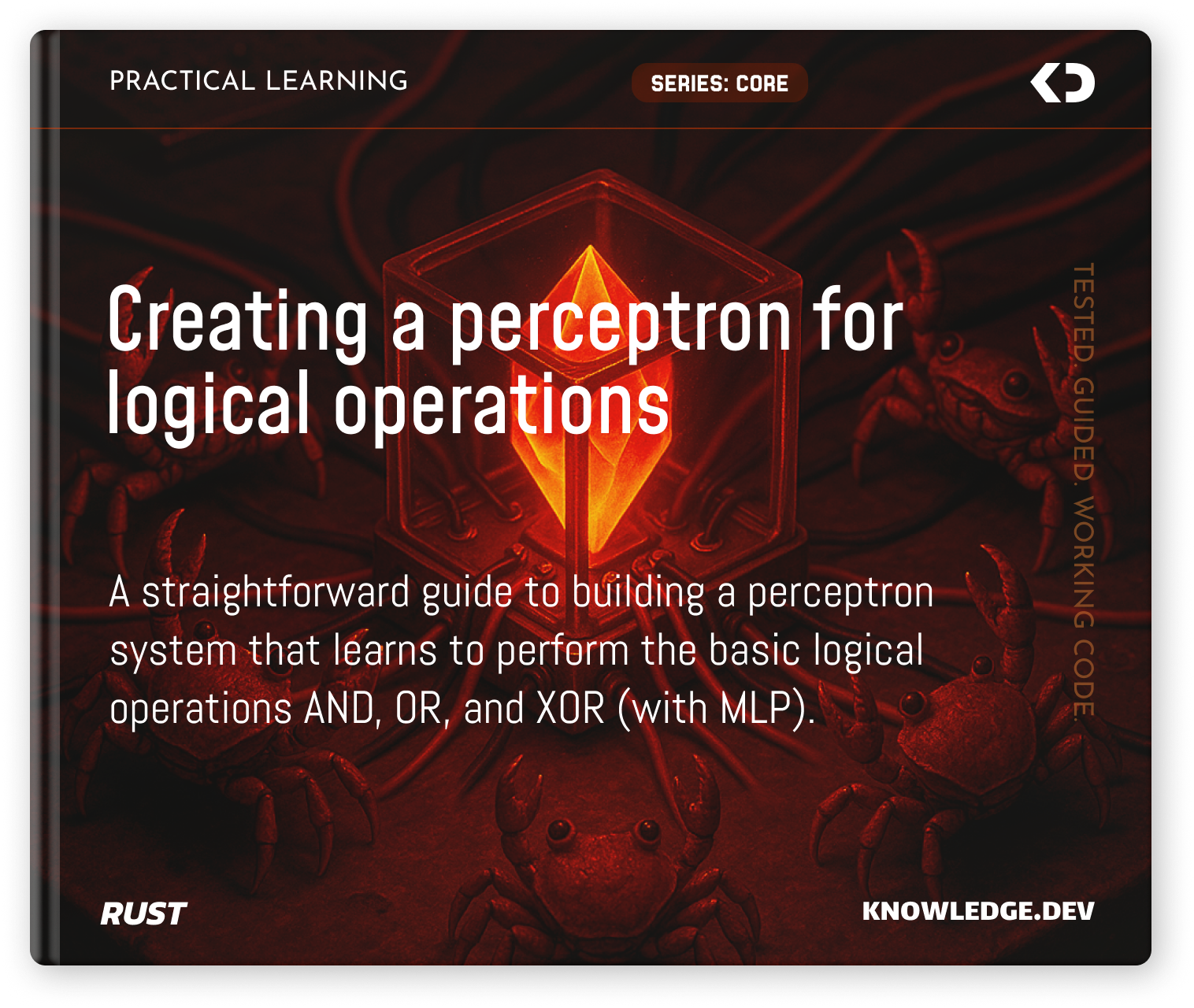
Make sure to subscribe to this newsletter so you don’t miss the release of this course, and if you’re looking for a deeper learning experience, let’s move on to discussing the changes to the learning platform.
Platform changes
The platform has also received numerous updates and changes, affecting virtually every part of it.
New PDF layout
The PDF book generation system has been redesigned. It now includes additional types of pages, uses columns, margins, and various formatting for different elements such as prompts and files. Typographic elements have been improved, and new styles have been added.
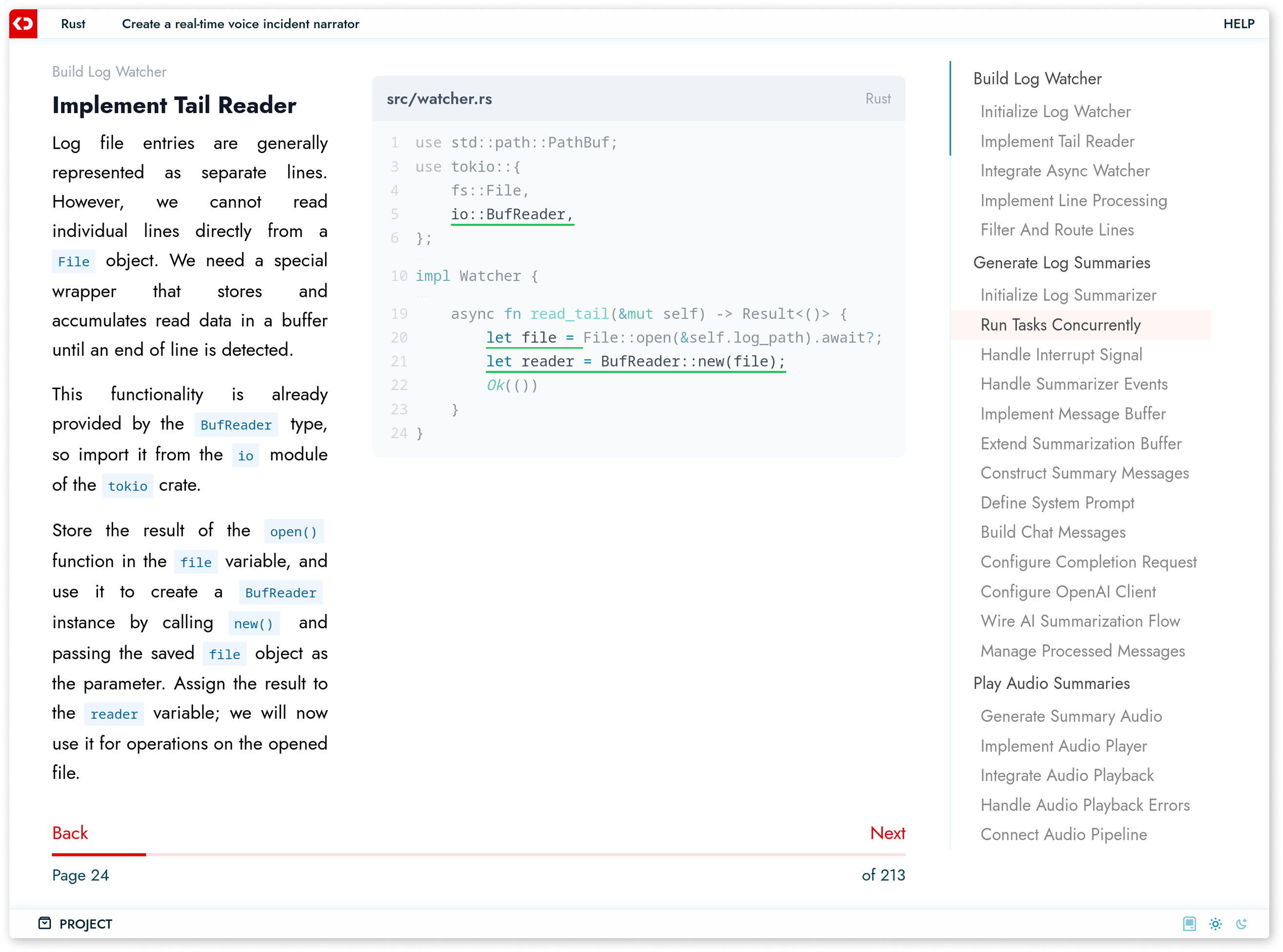
Interactive book
The interactive book has been significantly redesigned. Its styles have been completely updated, and it now automatically adapts to mobile devices, with a new tablet version also added. In fact, the interactive book now supports three different widths, each with a unique layout to make reading and taking courses as comfortable as possible.
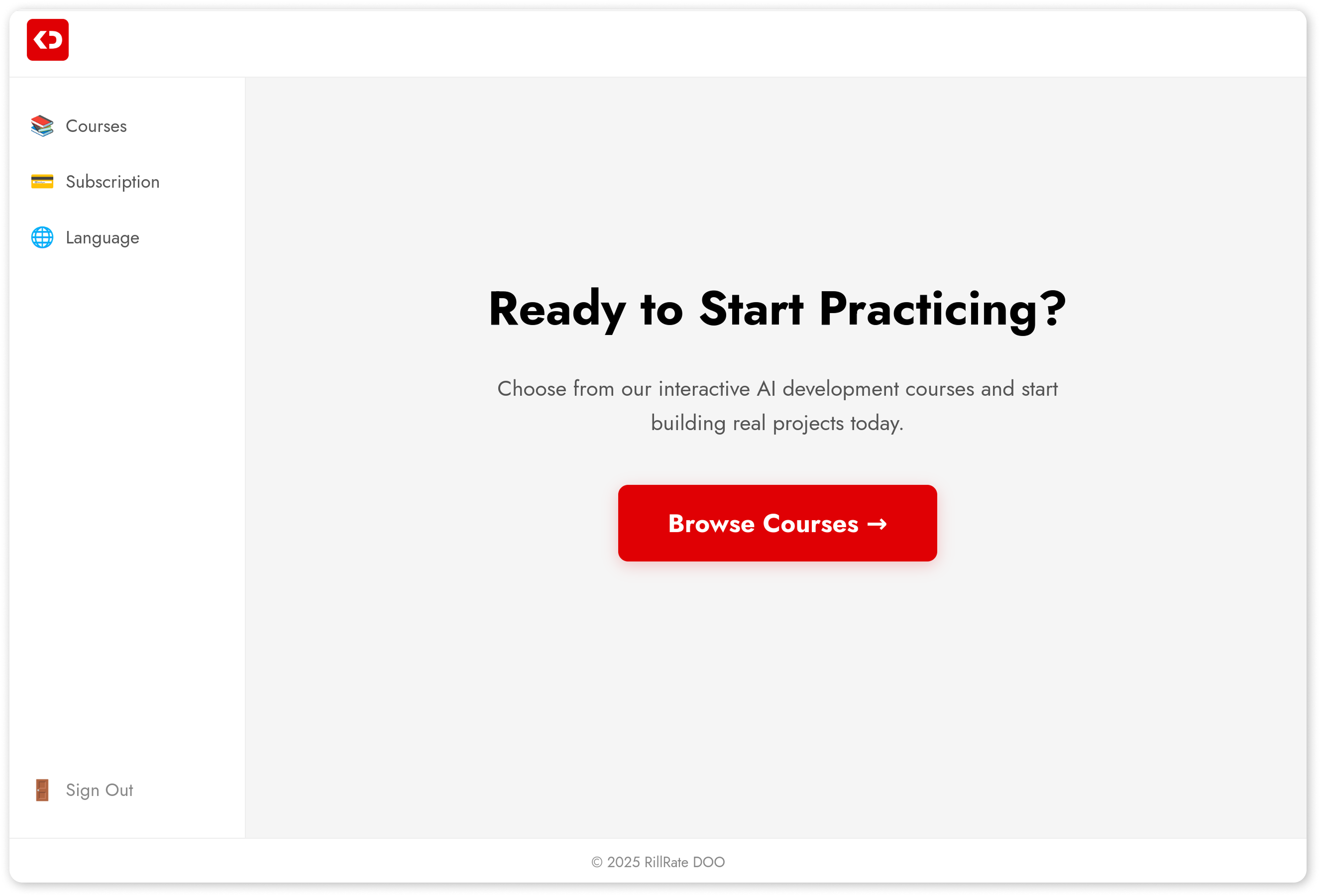
Improved dashboard
The dashboard has also been improved, and progress tracking has been enhanced. It now works more reliably and efficiently
Work is currently underway on GitHub integration, allowing users to link their accounts, as an interesting framework is being prepared for release.